Zapier and Make (formerly Integromat) are the two most popular automation platforms for freelancers and small businesses. Both can save you hours, but they work differently. Which one should you choose?
In this comparison, I’ll break down features, pricing, visual builders, data handling, and real‑world scenarios to help you decide.
Overview: Zapier vs Make
| Feature | Zapier | Make (Integromat) |
|---|---|---|
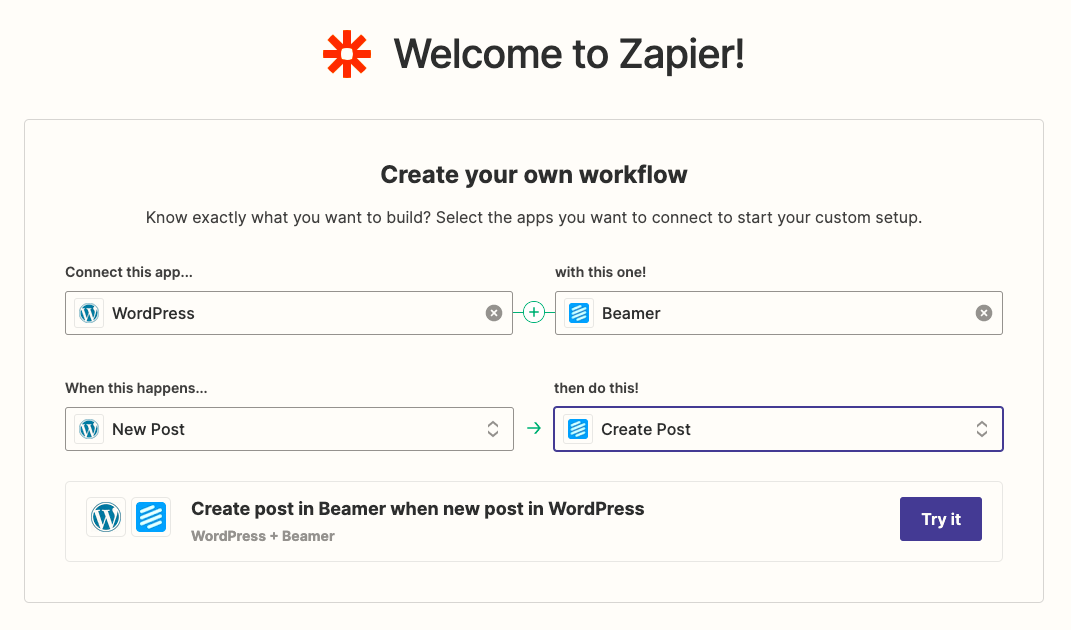
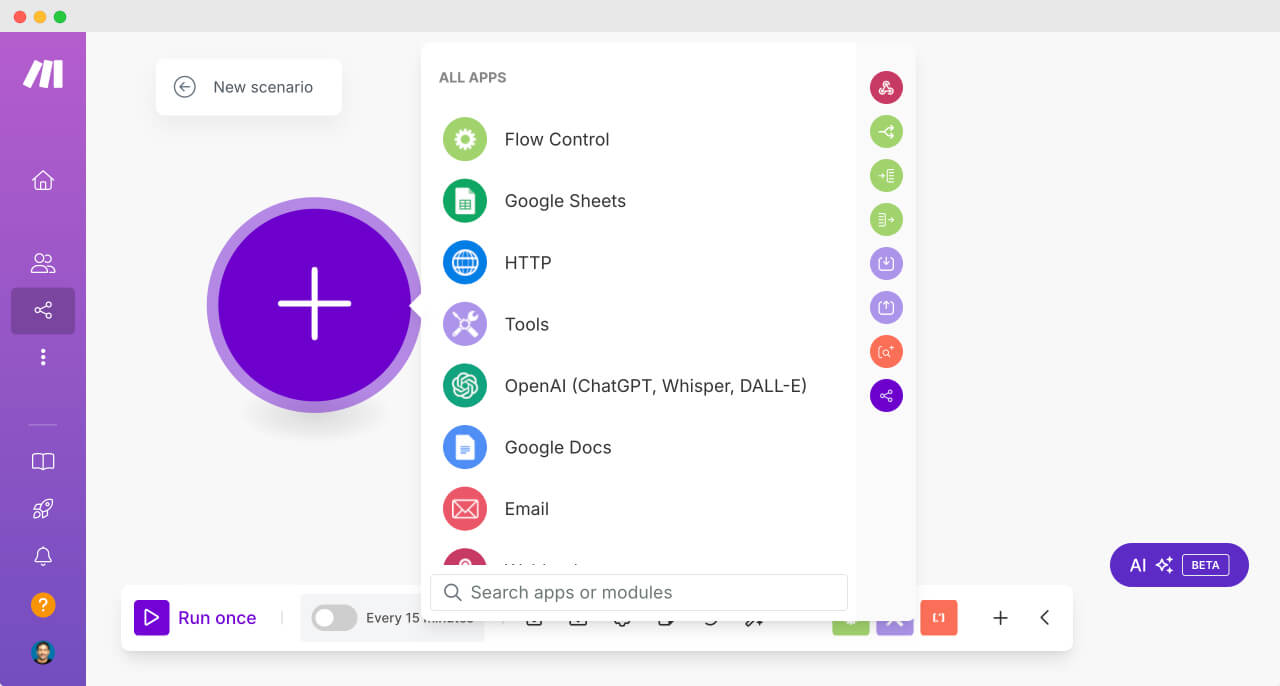
| User interface | Linear, step‑by‑step (Zap editor) | Visual, flowchart‑based (scenario editor) |
| Learning curve | Very easy (beginner‑friendly) | Moderate (requires understanding routers, aggregators) |
| Free plan | 100 tasks/month, 5 Zaps | 1,000 operations/month, unlimited scenarios |
| Paid plans start at | $19.99/month (750 tasks) | $10.59/month (10,000 ops, 2 scenarios) |
| Data transformation | Limited (requires separate steps or Code by Zapier) | Powerful built‑in tools (aggregators, routers, data stores) |
| Error handling | Auto‑retry + email alerts | Manual or auto‑retry, detailed logs |
| Real‑time execution | Yes (some Zaps run instantly) | Yes (scenarios can be scheduled or instant) |
Zapier – Pros and Cons
Pros
- ✅ Extremely easy to use – no learning curve.
- ✅ 5,000+ app integrations (largest in the market).
- ✅ Free plan available (100 tasks/month).
- ✅ Excellent customer support and community.
Cons
- ❌ Expensive for heavy usage (pricing based on tasks).
- ❌ Limited data transformation capabilities.
- ❌ Multi‑step Zaps require paid plan (Professional).
Make (Integromat) – Pros and Cons
Pros
- ✅ More affordable (pay per operation, not per task).
- ✅ Powerful visual builder (routers, aggregators, loops).
- ✅ Great for complex, multi‑branch automations.
- ✅ Generous free plan (1,000 operations/month).
Cons
- ❌ Steeper learning curve.
- ❌ Smaller app library (1,500+ apps).
- ❌ Slower for very simple automations (overkill).
Which One Should You Choose?
Choose Zapier if: You need simple, linear automations with popular apps (Salesforce, Google Sheets, Mailchimp) and you don’t want to learn a visual programming interface. It’s perfect for beginners and basic tasks.
Choose Make if: You need complex, multi‑branch automations, want to save money, or need advanced data manipulation (e.g., aggregating data from multiple sources). It’s ideal for freelancers who are comfortable with flowcharts.
Real‑World Comparison Example
Scenario: You want to automatically process incoming form submissions (Typeform), check if the email is from a new lead, then create a record in Airtable, send a custom email, and also add a task in Trello only if the lead is from a specific country.
- Zapier: You would need at least 3 separate Zaps (or a multi‑step Zap on paid plan), and conditional logic is limited. Possible but clunky.
- Make: You can do it in one scenario using routers and filters. The visual builder makes it easy to see the whole flow.
Pricing Comparison (Annual Plans)
For a freelancer with moderate usage (~5,000 operations/month):
- Zapier – Professional plan ($49/month) gives 5,000 tasks. Costly.
- Make – Pro plan ($10.59/month) gives 10,000 operations. Much cheaper.
If budget is tight, Make offers better value. If time is more valuable and you just want easy, Zapier may be worth the premium.
Conclusion – The Verdict
Both tools are excellent. Start with Zapier if you're new to automation. Once you hit limitations, switch to Make for more power and lower cost. Many freelancers use both: Zapier for quick Zaps, Make for complex workflows.
Try them for free:
Start Zapier free →
Start Make (Integromat) free →