As a freelancer, you waste hours on repetitive tasks: sending proposals, chasing invoices, posting on social media, and moving data between apps. Zapier automates all that.
In this guide, I’ll show you how to set up your first Zaps, share real‑world automation examples for freelancers, and compare Zapier’s pricing plans. No coding required.
What is Zapier?
Zapier connects your favourite apps and automates workflows. For example: when you receive a new email attachment, save it to Google Drive; or when a new client fills a form, add them to your CRM and send a welcome email.
Why Freelancers Need Zapier
- Save time – Automate routine tasks so you can focus on billable work.
- Reduce errors – No more manual copy‑paste mistakes.
- Improve client experience – Respond faster and deliver consistently.
- Scale without hiring – Handle more clients with the same effort.
Step‑by‑Step: Your First Zap
- Sign up for a free Zapier account.
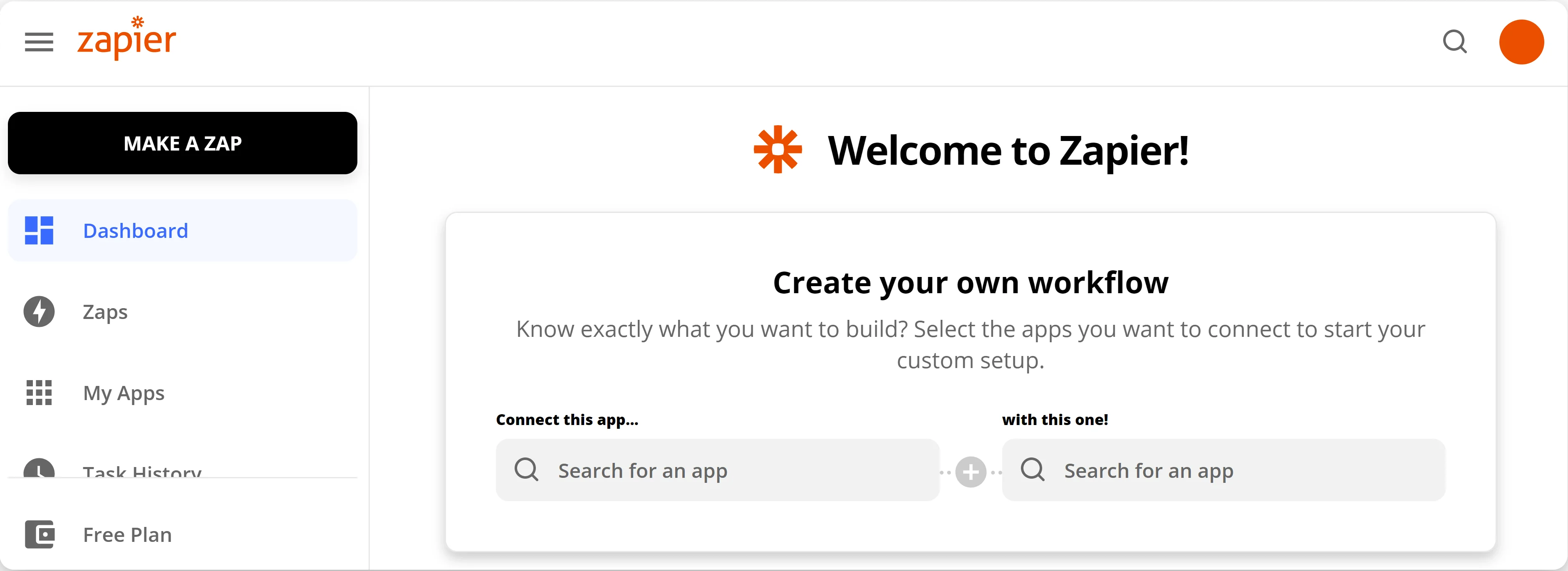
- Click “Make a Zap”.
- Choose a trigger app (e.g., Gmail, Calendly, Typeform).
- Select a trigger event (e.g., “New email received”, “New scheduled event”).
- Connect your account and test the trigger.
- Choose an action app (e.g., Google Sheets, Trello, Slack).
- Map the data from the trigger to the action fields.
- Test the action and turn on your Zap.
Best Zaps for Freelancers (Real Examples)
| Trigger | Action | Use case |
|---|---|---|
| New Typeform entry | Create row in Google Sheets | Collect client intake forms → central database |
| New Trello card in “Invoicing” list | Create draft invoice in FreshBooks | Automate invoice creation from project cards |
| New file in Dropbox folder | Post message in Slack channel | Notify team when a new asset is uploaded |
| New Calendly invitee | Add contact to Mailchimp list | Automatically add new leads to email newsletter |
Pricing: Free vs Paid Plans
Zapier has a generous free plan (100 tasks/month, 5 Zaps, 15‑minute update interval). Paid plans start at $19.99/month for 750 tasks and 20 Zaps. For most freelancers, the free plan is enough to start.
Pro tip: Use the free trial of the Professional plan to test advanced features (multi‑step Zaps, filters, and paths).
Advanced Automation Ideas
- Client onboarding: When a client signs a contract (DocuSign), create a project folder (Google Drive), add a task (Asana), and send a welcome email (Gmail).
- Invoice follow‑ups: When an invoice is overdue (QuickBooks), send a reminder email (Gmail) and add a note to a CRM.
- Social media scheduling: When you publish a new blog post (WordPress), share it on Twitter, LinkedIn, and Facebook via Buffer or directly.
- Lead capture: When a new lead fills a form (Gravity Forms), send a Slack message to your team and create a lead record in HubSpot.
Alternatives to Zapier
If you find Zapier too expensive, consider Make (Integromat) (more visual, cheaper plans) or n8n (open‑source, self‑hosted). I’ll cover those in separate articles.
Conclusion – Start Automating Today
You don’t need to automate everything at once. Choose one repetitive task, build a Zap, and see how much time you save. Over weeks, you’ll build a suite of automations that free up 10+ hours per week.
Try Zapier free: Start your free Zapier account →