You've built your Notion freelance dashboard. Now it's time to make it move. Connect Notion to other apps – calendar, email, invoicing, forms – using Zapier or Make. No code required.
In this tutorial, I'll show you real‑world automations that sync your Notion databases with external tools, saving you hours of manual data entry.
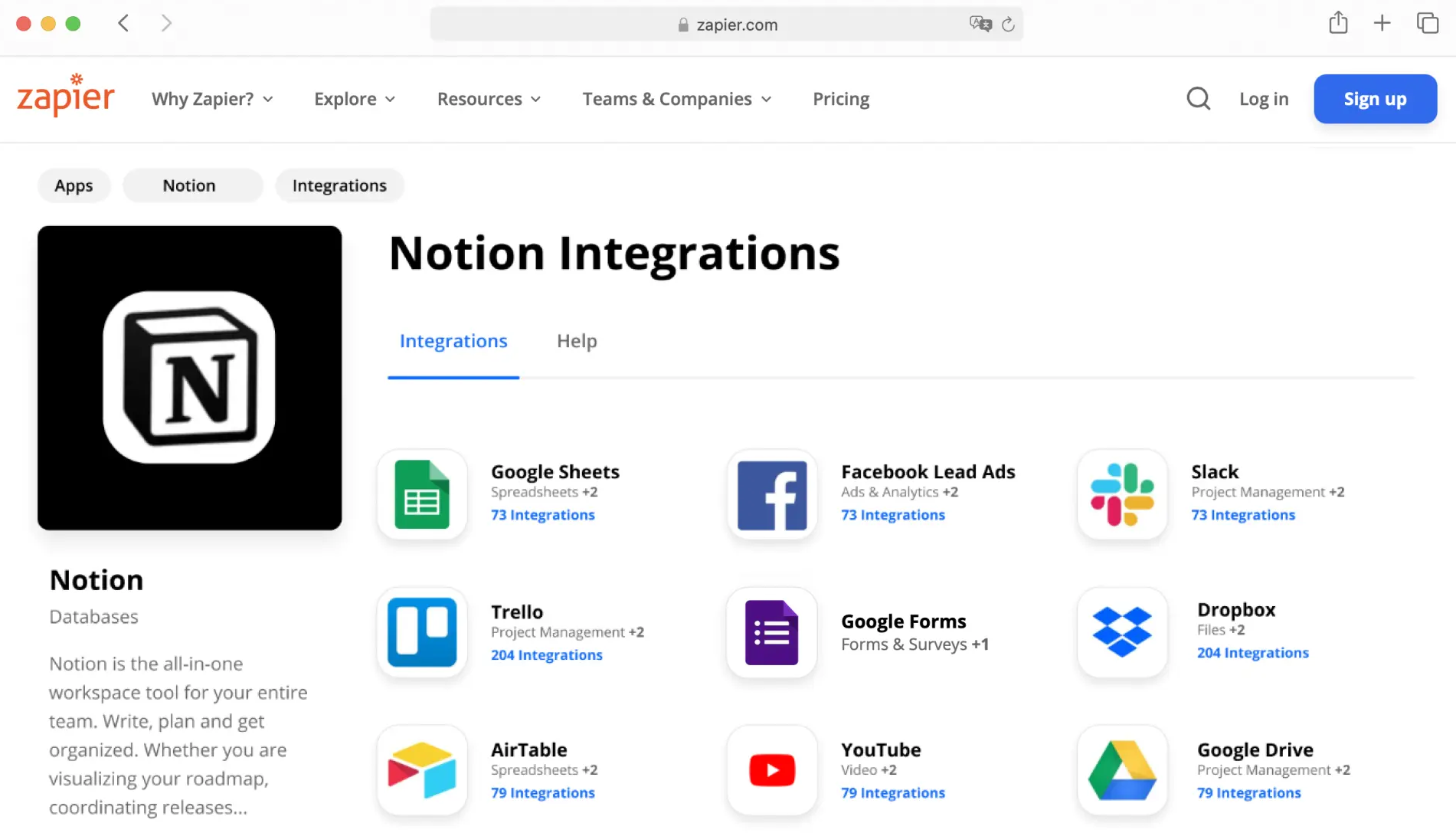
Why Automate Notion?
- Single source of truth – Keep Notion as your central database, let automations push/pull data.
- Save time – No more copying client info from forms or emails.
- Real‑time sync – When a project status changes, update your calendar, Slack, or invoice tool.
- Connect with 5,000+ apps – Zapier and Make integrate Notion with everything.
What You Can Automate
| Trigger (Notion) | Action (other app) | Use case |
|---|---|---|
| New database item (e.g., client added) | Create row in Google Sheets | Backup your client list to a spreadsheet |
| Property changed (e.g., status → "Invoicing") | Send email via Gmail | Notify you when a project is ready for billing |
| Date property approaches (e.g., deadline in 2 days) | Create calendar event in Google Calendar | Never miss a deliverable |
| New form submission (via Notion forms or Typeform) | Add to Notion database + send Slack message | Streamline client onboarding |
| New row in Google Sheets | Create Notion database page | Import data from external sources into Notion |
Step‑by‑Step: Create Your First Notion Automation (Zapier)
- Set up your Notion database – Create a "Clients" database with properties: Name, Email, Project, Status.
- Connect Notion to Zapier – Use Notion's official Zapier integration (free).
- Choose a trigger – "New Database Item" or "Updated Database Item".
- Select an action – For example, "Create Spreadsheet Row" in Google Sheets.
- Map fields – Match Notion properties to sheet columns.
- Test and turn on – Your Zap will run every time you add a client to Notion.
Using Make (Integromat) for Complex Workflows
Make offers more advanced logic: routers, aggregators, and real‑time execution. For example:
- When a new project is added to Notion, check if the budget is > $1000. If yes, send a Slack message to your "VIP clients" channel. If not, add a reminder to review later.
- Every Sunday, gather all tasks due next week from Notion and send a digest email.
Real‑World Example for Freelancers
Scenario: A potential client fills out a form on your website (Google Forms / Typeform). You want to:
- Create a lead record in your Notion "Clients" database.
- Send a welcome email via Gmail.
- Add a task to your Trello "Follow‑up" board.
- Notify you via Slack.
With Zapier or Make, you can do all four actions from a single trigger. And it runs automatically, 24/7.
Pricing & Limitations
- Zapier free plan – 100 tasks/month, 5 Zaps, 15‑minute update interval. Enough for light automation.
- Make free plan – 1,000 operations/month, unlimited scenarios. More generous for Notion workflows.
- Notion API limits – 3 requests per second (plenty for most freelancers).
Start with free plans. As your automation needs grow, upgrade to paid (starting ~$20/month).
Conclusion – Make Notion Your Automation Hub
Notion is not just a note‑taking app. With Zapier and Make, it becomes the brain of your freelance business. Connect it to your calendar, email, forms, and CRM – and spend less time typing, more time billing.
Get started today:
Try Zapier free →
Try Make (Integromat) free →
Notion (free plan) →